How to find historic Mississippi newspapers by town and date
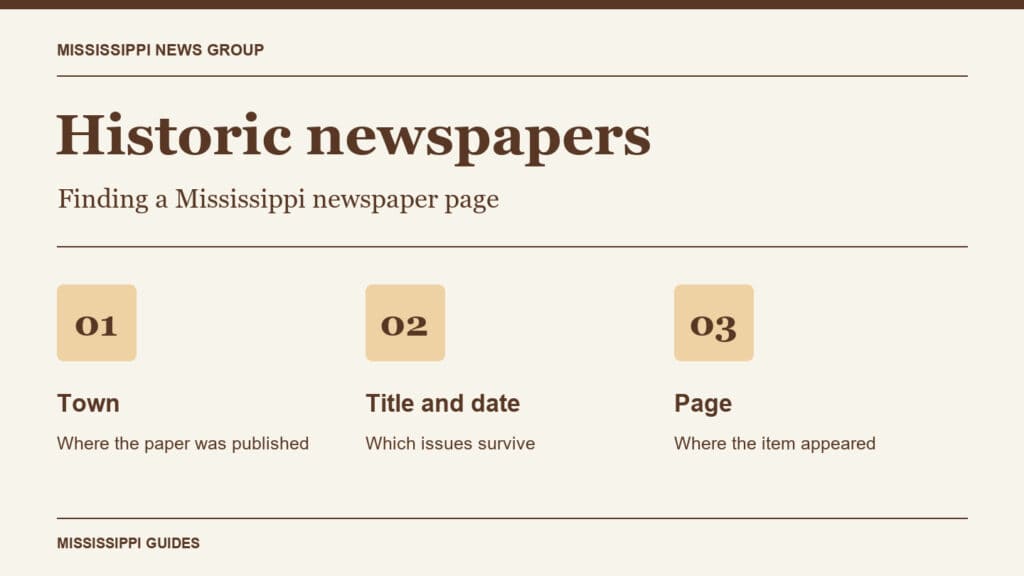
To find an old Mississippi newspaper, start with the town where it was published and the closest date you know. Those two details can take you to an issue even when a search for a person’s name turns up nothing. The Mississippi Department of Archives and History newspaper catalog lists titles by town and county, the dates held, and the microfilm roll number.
Read a digitized issue from home
The Library of Congress offers free scans through Chronicling America. Narrow the collection to Mississippi and the period you want. If a full name returns little, try a distinctive surname or the name of a local business. When you know the week of an event, browse the issues around that date. You may spot a school notice or a one-paragraph obituary on the scanned page that a keyword search missed.
Some collections have a more direct route. For campus coverage in Oxford, the University of Mississippi provides digitized issues of its student newspaper. Its October 1, 1962, issue of The Mississippian is a specific starting point for readers researching the university’s integration. Save the issue record along with the page you used.
When the issue is on microfilm
Check the state catalog even if you cannot find a scan. In the Aberdeen listings, for example, the Weekly Conservative in Monroe County has an entry running from January 21 to February 4, 1854, on roll 28748. A request for that title, town, date range and roll gives an archivist much more to work with than a request for “an Aberdeen paper from the 1850s.” A range describes the holding. Check that the individual issue you need survives.
The state archives identifies the Media Room as the place to use its self-service newspaper microfilm. The University of Mississippi Libraries also has a Mississippi newspaper microform search that accepts a title, city or year. If you are planning a trip, give the library the title and date first so staff can help identify the right collection.
Local libraries can have their own copies. In Cleveland, the Bolivar Commercial closed in 2020, but the Bolivar County Library System lists many of its issues in the Mississippi Room microfilm inventory. Search that PDF for the newspaper title and the year you need.
Keep enough detail to find the item again
Record the newspaper name as it appears on the page, the town, issue date, page number and headline or column heading. For an online issue, save its permanent link. For microfilm, add the holding library and roll number. If you only have a family clipping, a partial masthead, a local advertisement or a neighboring town named in the column can help narrow your search.
This guide was researched and written with AI assistance using the public sources linked above. Sources checked November 18, 2026.